Receipt Scanner Apps Compared: Which One Saves You the Most Time?
Receipt scanning is one of those things that sounds simple but is surprisingly hard to get right. You snap a photo, and you expect the app to extract the amount, date, and merchant perfectly.
In reality, many receipt scanner apps struggle with crumpled receipts, faded ink, and Indian receipt formats.
Let's compare the best options.
What to Look For
OCR accuracy — does it extract text correctly?
Auto-categorization — does it sort expenses for you?
Indian receipt support — does it understand GST formats?
Integration — does it connect with other tools?
Price — is it affordable?
Top Receipt Scanner Apps
1. ExpensePal — Best All-in-One
Price: Free + Pro ($18/year)
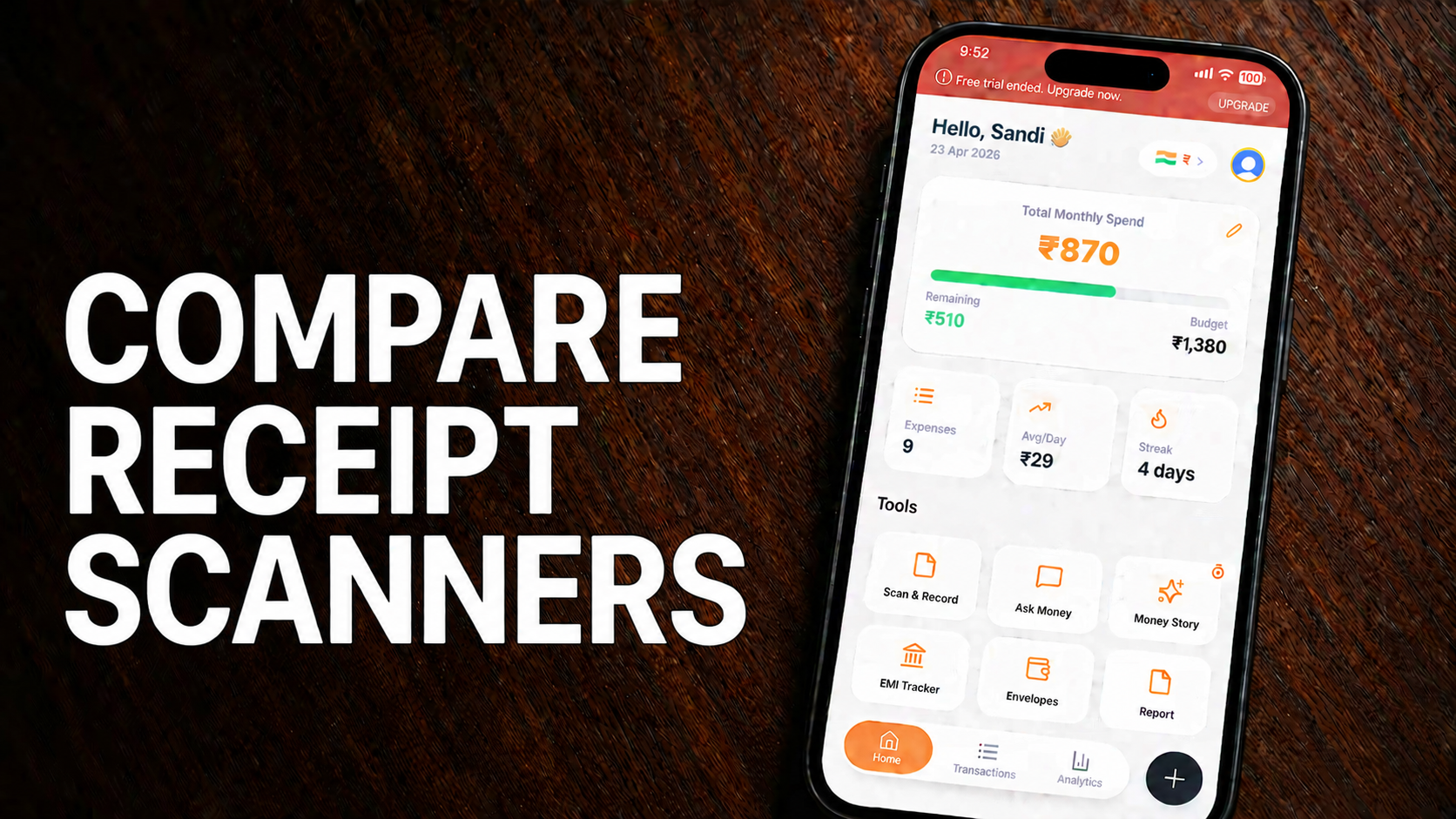
ExpensePal's receipt scanner uses advanced AI to extract data with over 95% accuracy. It works with Indian receipts, supports GST numbers, and integrates directly with your expense tracking.
Pros: Free tier, high accuracy, Indian receipt support, integrates with budget tracking
Cons: Pro required for unlimited scans
2. Expensify
Price: Free + Plans from $5/month
Pros: Popular, good integration with accounting software
Cons: Expensive for full features, SmartScan limits on free plan
3. Shoeboxed
Price: From $15/month
Pros: Professional-grade, mail-in receipt service
Cons: Expensive, overkill for most users
4. Google Drive (Scan)
Price: Free
Pros: Free, unlimited storage
Cons: No data extraction, no categorization, just a PDF
5. Adobe Scan
Price: Free
Pros: Good image quality, free
Cons: No expense-specific features, no auto-categorization
Speed Comparison
| App | Time to scan & categorize | Accuracy on Indian receipts |
|---|---|---|
| ExpensePal | 3 seconds | 95%+ |
| Expensify | 5 seconds | 80% |
| Shoeboxed | 10 seconds (manual review) | 85% |
| Google Drive | Instant (no extraction) | 0% |
| Adobe Scan | Instant (no extraction) | 0% |
Why ExpensePal's Scanner Stands Out
Built for Indian receipts — understands GST formats and Indian merchants
AI-powered extraction — amount, date, merchant, category
Seamless integration — scanned receipts link to your expense dashboard
Cloud storage — never lose a receipt again
Export to PDF — perfect for tax filing
Save Hours Every Month
Stop manually organizing receipts. ExpensePal's AI scanner digitizes, categorizes, and stores every receipt in seconds.
Try ExpensePal's receipt scannerStart tracking your expenses for free
Download ExpensePal and let AI handle your finances.
Get ExpensePal Free