SMS Bank Sync: Stop Manually Tracking Expenses Forever
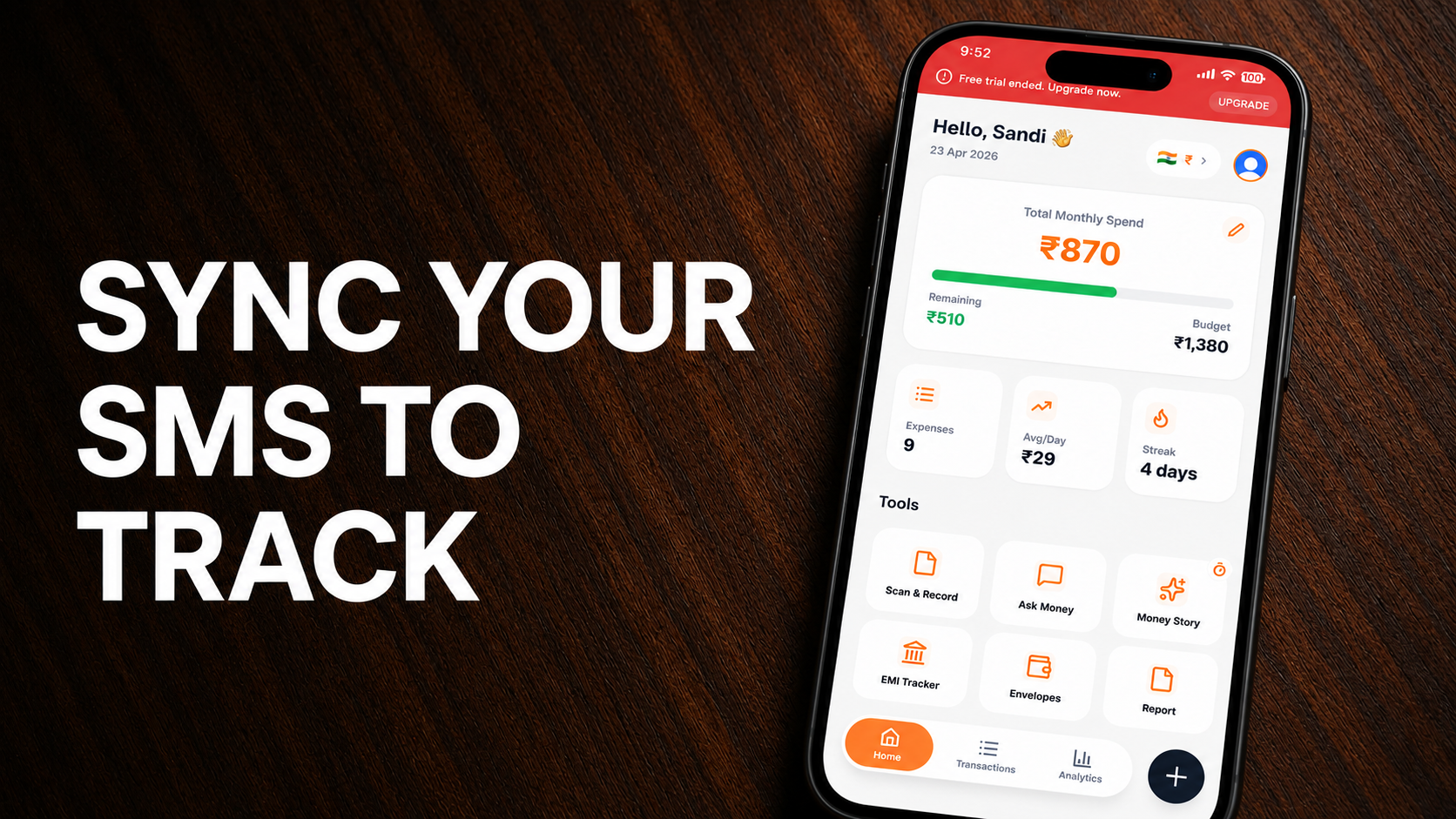
Manual expense tracking is the #1 reason people give up on budgeting. It's tedious, easy to forget, and honestly — nobody has time to log every ₹40 chai they buy.
SMS bank sync changes everything.
Instead of opening your app and typing every transaction, your bank SMS does the work for you. Here's how it works and why ExpensePal's implementation is the best in India.
What is SMS Bank Sync?
Whenever you make a transaction — UPI payment, card swipe, ATM withdrawal, or EMI deduction — your bank sends you an SMS. SMS bank sync reads these messages and automatically adds the transaction to your expense tracker.
No typing. No forgetting. Just automatic tracking.
How ExpensePal's SMS Sync Works
Step 1: Install & Grant Permission
Download ExpensePal and grant SMS read permission. The app only reads transaction messages — not personal chats.
Step 2: Automatic Detection
ExpensePal's AI parses SMS from 50+ Indian banks including:
SBI, HDFC, ICICI, Axis, Kotak, Yes Bank
Paytm, Google Pay, PhonePe, Amazon Pay
Credit card transactions from all major issuers
The AI extracts: amount, merchant, date, transaction type, and account.
Step 3: Smart Categorization
The transaction is automatically categorized. A ₹500 Zomato order → "Food Delivery." A ₹15,000 rent payment → "Housing." EMI deductions → "Loan Payments."
Step 4: Real-Time Updates
Your expense dashboard updates instantly. Open the app and see exactly how much you've spent today, this week, or this month — all without entering a single transaction.
Why SMS Sync is Better Than Bank Integration
Many apps claim "direct bank sync," but in India, RBI regulations make it complex and slow. SMS sync is:
Faster — transactions appear within seconds
More reliable — no downtime from bank API issues
Secure — your bank credentials stay with your bank
Works with all banks — not just partnered ones
Security & Privacy
Worried about SMS permissions? Here's what ExpensePal does with your data:
Reads only transaction SMS — identified by sender IDs like "HDFCBK" or "SBIBANK"
Never stores raw SMS — extracts only amount, date, and merchant
256-bit encryption — all data encrypted at rest and in transit
Zero data sharing — your financial data stays yours
What Users Say
"The SMS import changed my life. I used to spend 20 minutes every evening logging expenses. Now it just happens." — Ayperi, Play Store
"Finally a finance app that doesn't feel like a chore. Transactions appear before I even open the app." — Michael, Play Store
Ready to Automate Your Expense Tracking?
Stop typing transactions manually. Download ExpensePal and let SMS bank sync do the heavy lifting.
Get ExpensePal on Google PlayStart tracking your expenses for free
Download ExpensePal and let AI handle your finances.
Get ExpensePal Free