Budgeting 101: How to Start Budgeting for Beginners
Budgeting sounds boring. Like eating vegetables and doing your taxes. But here's the thing — a budget is just telling your money where to go instead of wondering where it went.
And when done right, budgeting is actually liberating. You spend guilt-free because you know your needs are covered.
Why Most People Don't Budget
Too complicated — spreadsheets are confusing
Too time-consuming — tracking every rupee is tedious
Too restrictive — feels like punishment, not freedom
But modern budgeting apps have changed all of that. You don't need spreadsheets or receipts stuffed in a drawer. You need automation.
Step 1: Know Your Income
Start with what's coming in. Your monthly take-home salary after taxes. If your income varies (freelancers, commission-based), use your average over the last 3 months.
Step 2: Track Your Expenses
Before you can budget, you need to know where your money goes. This is where most people give up — manually tracking every purchase is exhausting.
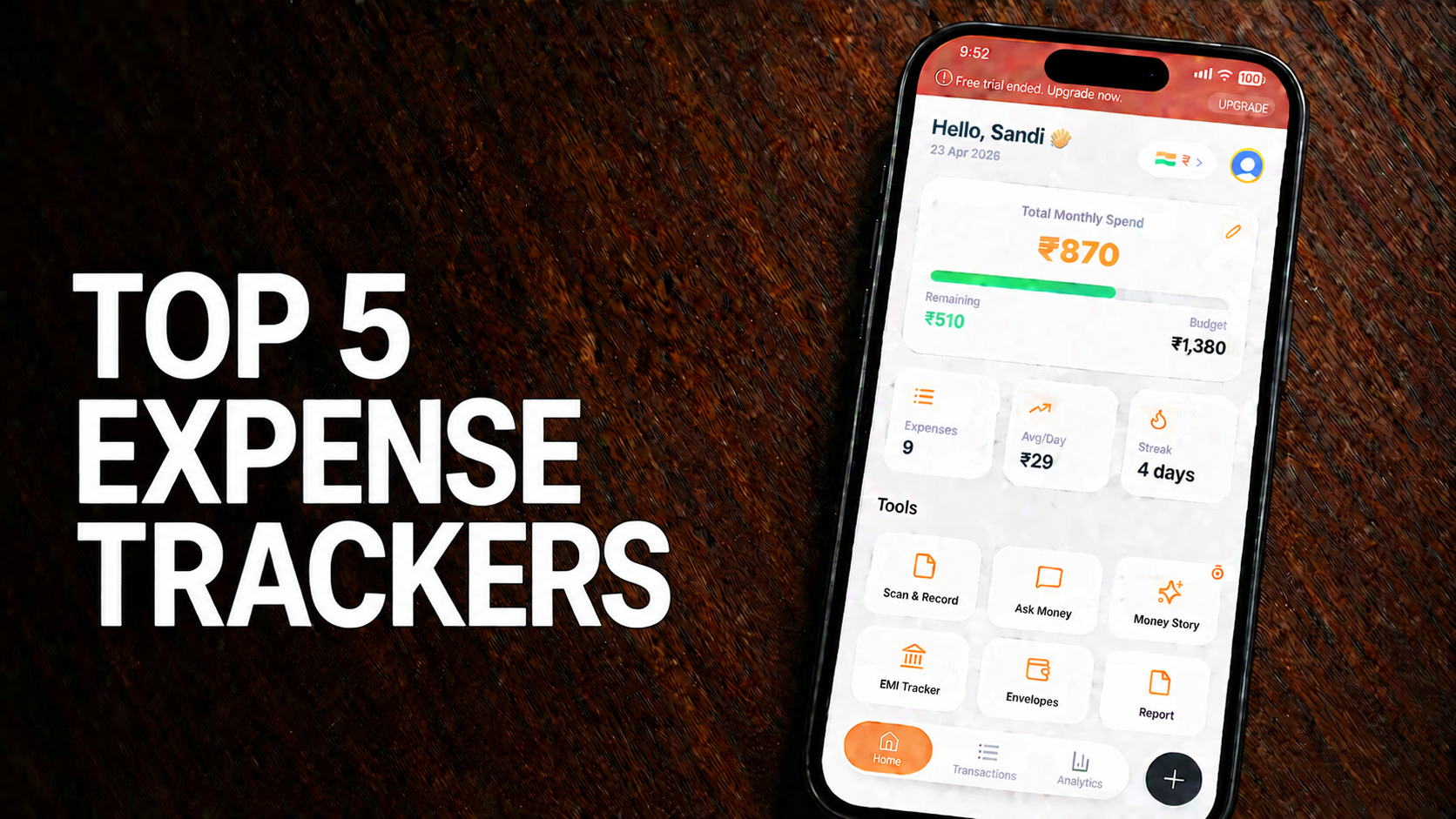
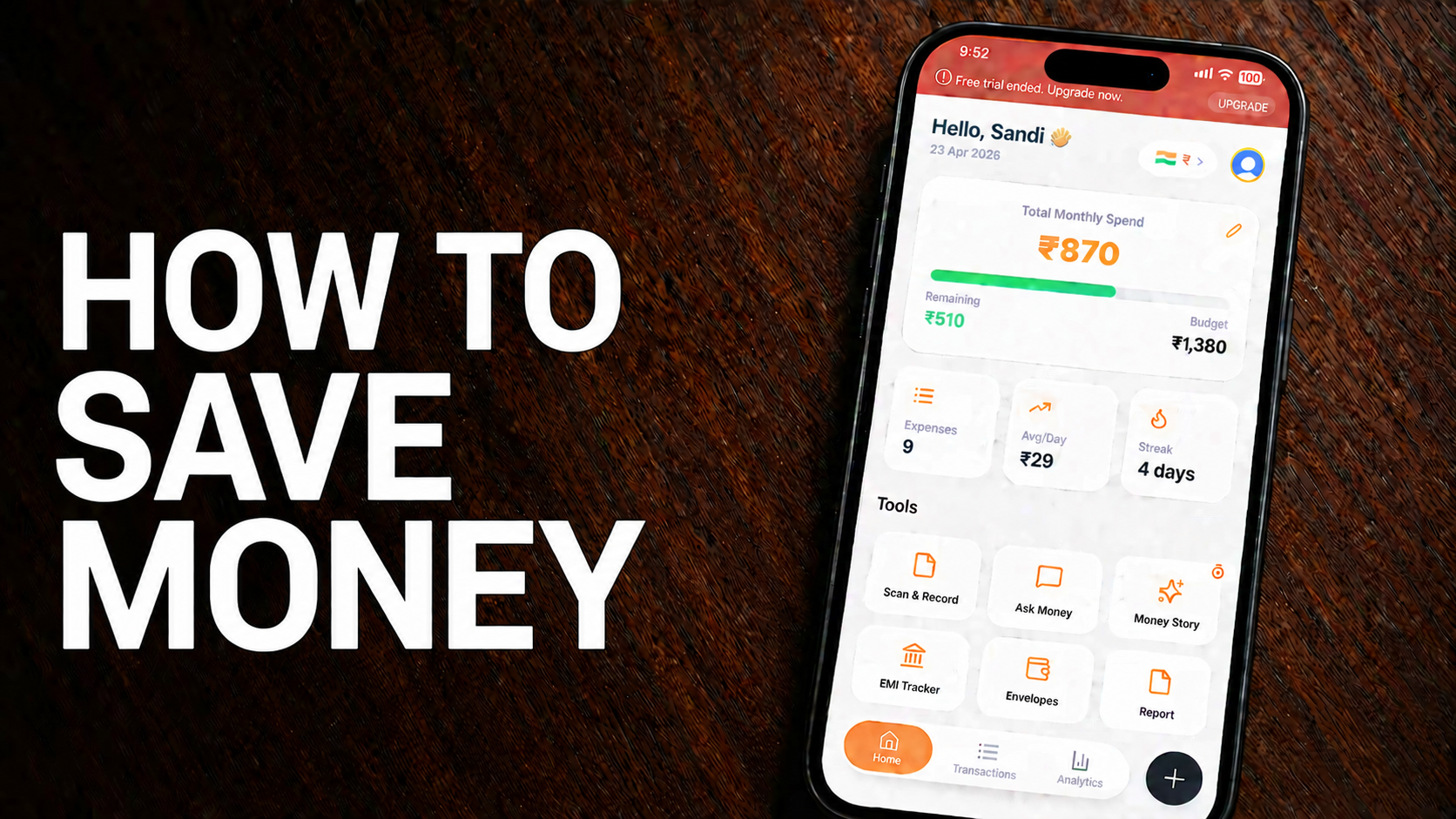
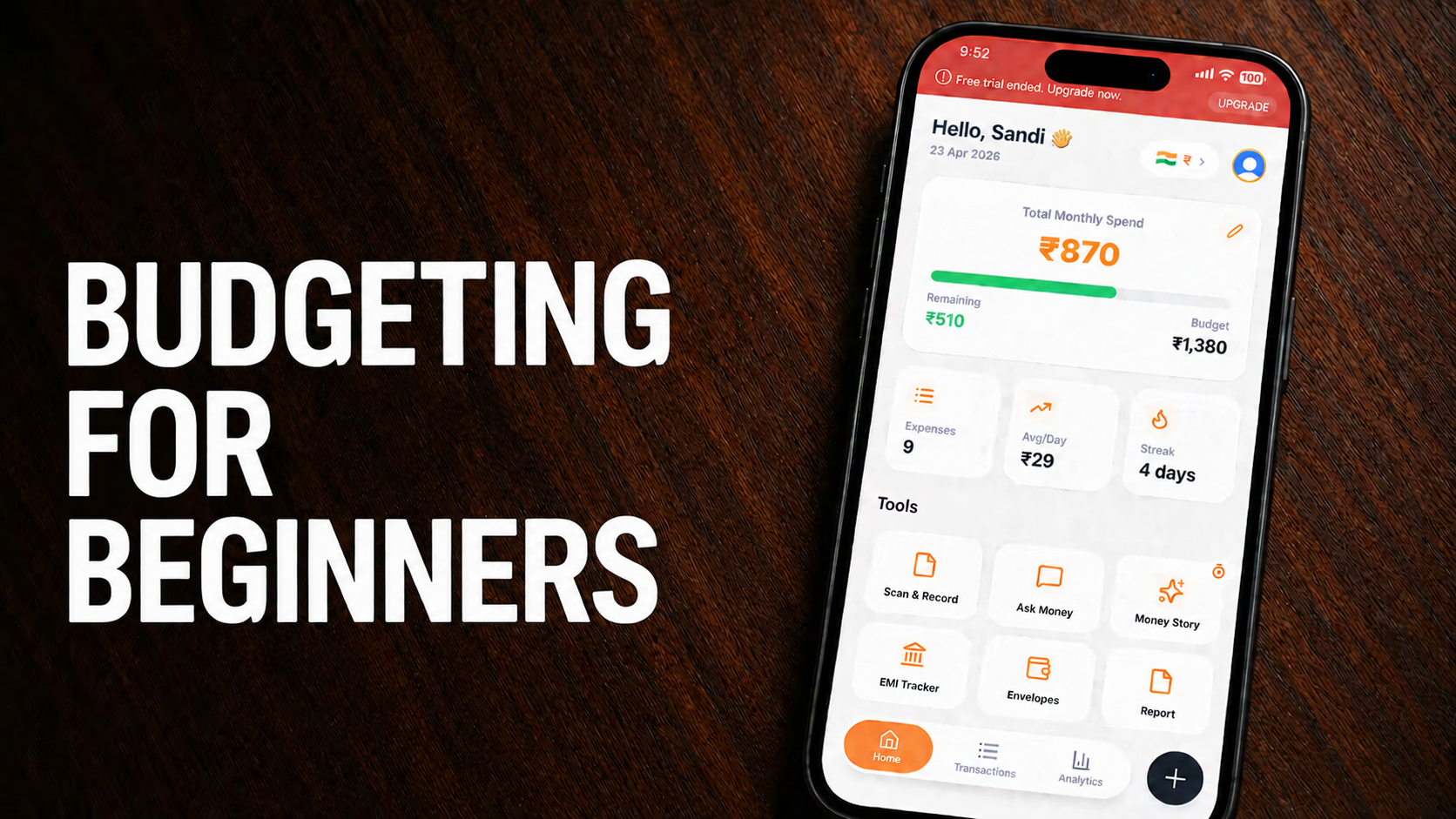
The easy way: Use ExpensePal's SMS bank sync. It automatically imports transactions from your bank SMS and categorizes them. No manual entry required.
Step 3: Choose a Budget Method
Zero-Based Budgeting
Every rupee has a job. Income minus expenses equals zero. Best for detailed control.
50/30/20 Method
50% needs, 30% wants, 20% savings. Simple and effective for beginners.
Envelope System
Cash in physical or digital envelopes for each category. When the envelope is empty, stop spending.
ExpensePal's smart budget envelopes digitalize this — set limits for each category and get alerts when you're close to the limit.
Step 4: Review and Adjust
Your first budget won't be perfect. That's fine. Review weekly, adjust categories, and find what works for you.
Step 5: Automate Everything
The less you have to think about budgeting, the more likely you'll stick with it. Automate:
Expense tracking (SMS sync)
Category sorting (AI)
Savings transfers
Bill payments
Ready to Start Your Budgeting Journey?
You don't need to be a finance expert to manage your money. You just need the right tools. ExpensePal handles the hard part — you focus on your goals.
Start budgeting with ExpensePalStart tracking your expenses for free
Download ExpensePal and let AI handle your finances.
Get ExpensePal Free